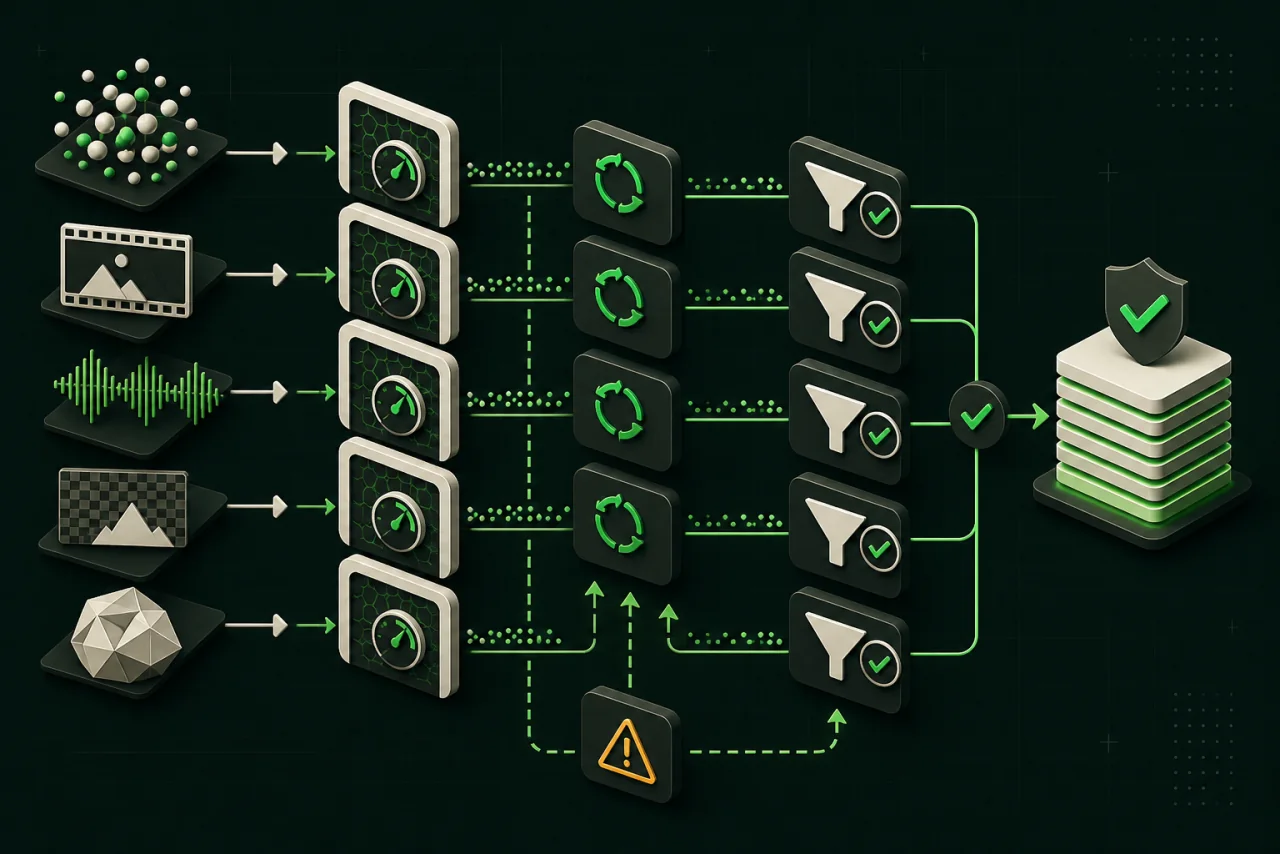
Normalize the output before the rate
Image providers may bill each output, each request, output megapixels, image tokens, GPU seconds, or a credit amount. A request can return one or several images, and an image size may consume different token quantities. Fix model ID, endpoint, resolution, aspect ratio, quality, output count, reference inputs, edit mask, and processing tier before copying any rate into the calculator.
The useful denominator is an accepted asset. A cheaper generation that needs more rerolls, text repair, upscaling, or manual retouching can have a higher production cost. Create a disclosed rubric for brand fidelity, prompt adherence, text rendering, identity consistency, safety, and artifact rate. Review every output, not only the best sample.
Split generation from the rest of the image pipeline
Generation, editing, inpainting, background removal, relighting, upscale, moderation, storage, and delivery can be separate calls with separate meters. Model these stages independently, then add them into fixed or per-accepted-output costs. A bundled editing endpoint may reduce requests while charging a higher per-image rate; compare the complete workflow rather than an isolated generation line.
Batch or flexible processing may lower the unit rate but change turnaround. Reserve it for catalogs, creative variants, enrichment, or other queued jobs. Interactive editors need latency and concurrency measurements in addition to price. If the provider exposes a usage or pricing API, record the returned unit and configuration alongside each benchmark.
- Use the same prompts, references, safety settings, and output count for every provider.
- Include rejected, moderated, timed-out, and manually rerun requests according to the billing policy.
- Price upscale and post-processing only when the product actually needs them.
- Check model license, output rights, retention, and regional availability before production.
Turn a creative benchmark into a purchasing rule
A benchmark should end with rules such as: use one route for fast drafts, another for typography, and a third for high-fidelity edits. A universal winner usually hides different jobs. Keep the provider adapter and evaluation data separate from page rendering so a model or price change can be replaced without rewriting the product.
After launch, monitor accepted-output rate by prompt class, model version, and provider route. Recalculate when quality shifts, the provider changes a model alias, or the pricing unit changes. A static price snapshot is discovery evidence; observed accepted-output cost is the operating metric.
Common comparison mistakes
- Comparing a 1K image with a 4K image or a draft tier with a priority tier.
- Assuming one request always returns one billable image.
- Ignoring reference-image input, editing, upscale, and rejected generations.
- Using selected showcase outputs instead of retaining the complete benchmark set.
- Treating a preview model alias as a stable production contract.
Questions developers ask
What is the cheapest image generation API?
Compare only routes that pass the same quality and policy rubric, then select the lowest measured cost per accepted image at the fixed size and processing tier.
Why does acceptance rate matter?
Your product pays for attempts but earns value from usable images. Acceptance rate converts the provider meter into the unit your business actually delivers.
Should background removal be included here?
Include it as a workflow cost when every generated image needs it, or use the dedicated background-removal calculator when that API is the purchasing decision.